
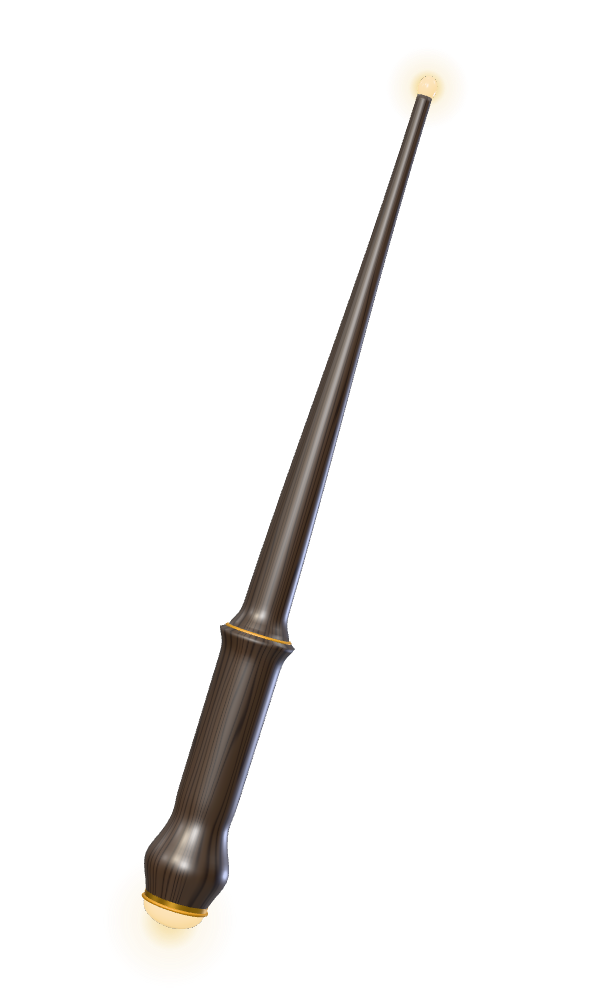
Wake your wand
Your wand carries a touch chip. When it meets your phone, the phone opens your AI in voice mode, already listening. You set this up once.
On an iPhone:
- Open the Shortcuts app and go to Automation.
- Start a new automation and choose NFC.
- Tap Scan, then hold the glow stone end of your wand to the top of your phone.
- Name it after your wand and set it to run immediately.
- For the action, choose your AI app and its voice conversation action.
On Android, the steps depend on the phone. We set it up with you at the workshop, and it takes about five minutes.
The chip has no battery. Your phone powers it for the instant they touch, so the wand never needs charging.